
BDD Bonanza with SpecFlow, SpecLog and TFS, huh?
Confession
I must admit that title is somewhat provoking and that will certainly get some people really going. Anyway from a TFS perspective I see real potential in the integration between SpecLog and TFS and I hope to show this in upcoming posts.
Background
I’ve been using SpecFlow a couple of months and I really like the feeling I get every time a debug my specifications  . A colleague of mine Marcus Hammarberg has written lot’s of posts like this and at some point we even did a joint venture that resulting in this post by Marcus and this one by me.
So we had quite a good story for developers at that point and really no nice way to present specification files to testers or business analysts. Well the same team that brought you SpecFlow has also made SpecLog a tool that looks very promising.
Installation
The installation is not completely automated there’re a some manual steps you need to do to make the TFS Integration work. This is certainly a feature I’d really like TechTalk to provide in future releases.
If you are using the MSF Agile process template make sure you’ve downloaded version TechTalk.SpecLog.1.0.63.msi or later. When I couldn’t get the integration to work the guys at support helped me out and after that weekend they released a working version, very impressive indeed!
Installing the MSI
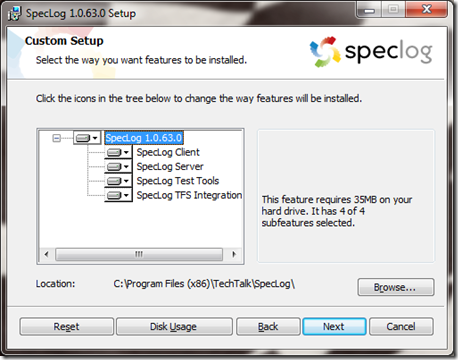
Make sure you’ve logged in on your TFS server. Run the downloaded msi and make sure you select all components like this picture:
Create service account
Create a service account like the picture below: 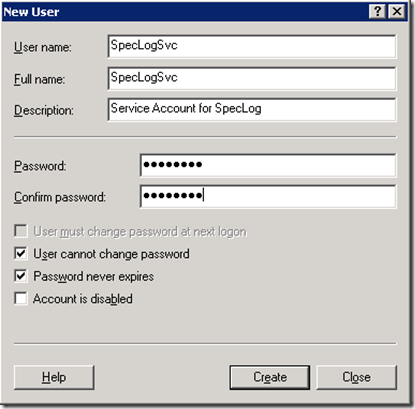
Give the same service account Log on as a Service rights as the picture shows.
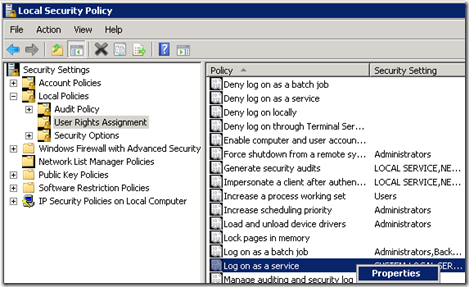
After this you have to start a command prompt as Adminstrator and do the following:
- Add the created account to the [TEAMFOUNDATION]\Team Foundation Service Accounts with the following command
tfssecurity /g+ “Team Foundation Service Accounts” n:[YOURDOMAIN]\SpecLogSvc ALLOW /server:http://yourtfsserver:8080/tfs - Making it possible for the service account to open TCP port 4242 with the following command
netsh http add urlacl url=http://+:4242/ user=[YOURDOMAIN]\SpecLogSvc
Create a shared folder
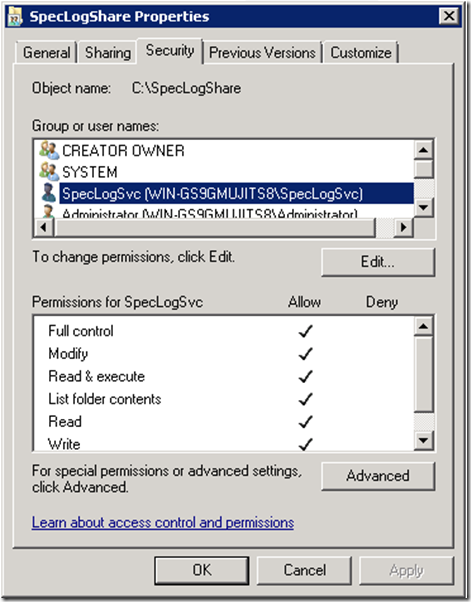
Create a shared folder that gives [YOURDOMAIN]\SpecLogSvc contribute rights to that folder like so:
Follow the instructions given from TechTalk
In your SpecLog folder you will have two folders, one called Server and one called TFSIntegration. In these folders there’re txt-files that will guide you through the next manual steps you need to get started. Start with server instructions first.
Gotchas
- The default log path is under %LOCALAPPDATA%\SpecLog so I changed it to the same shared folder created earlier.
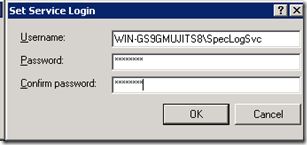
- When you create the windows services you’ll be prompted with username and password. It’s very important to enter the username in the format [YOURDOMAIN][ServiceAccount]. Otherwise you’ll get an error.
Testing
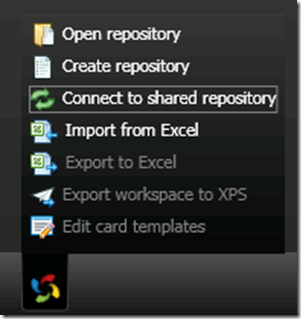
You have to connect to a shared repository to get the TFS integration working like the picture shows below:
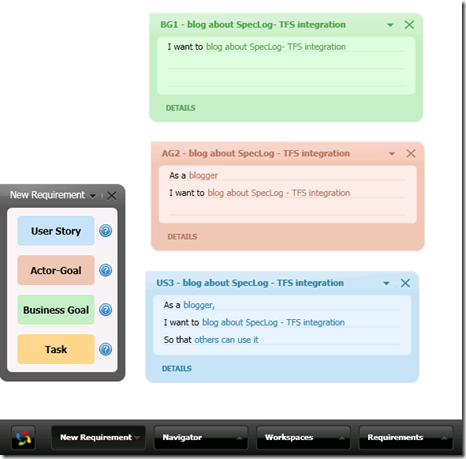
Next steps are to start working on your requirements  ! Well I’ve made a simple screen capture that shows how it could look.
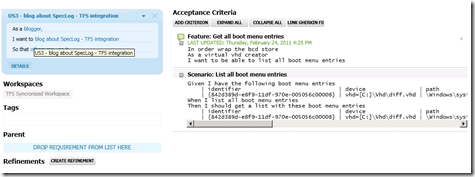
And If we take a look at the US3 user story we will find this nice overlook. Notice how you can see the TFS source controlled Gherkin file connected to this User Story.
The same User Story would look like this in Visual Studio:
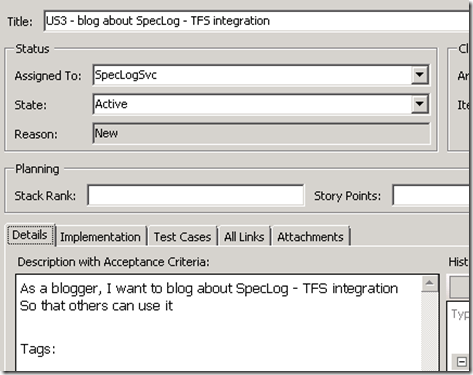
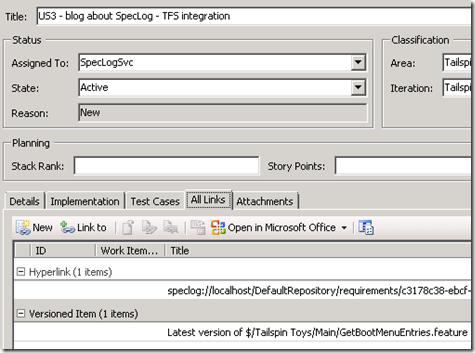
And as you can see the integration works…the service account does all the job:
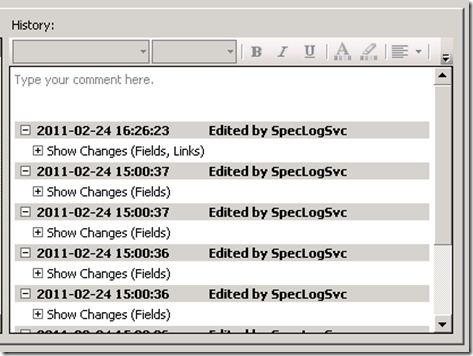
I must say that things are truly starting to come full circle with SpecLog and I hope that my small post will get you started with SpecLog integration with TFS.
I’ll sure keep working with SpecLog, TFS and most importantly people,
Hugo
Comments